For tenants and owners
Tell Bobo what's wrong. Baubiber finds the right contractors for you.
Baubiber is the free app for tenants and owners: describe a repair, renovation or refurbishment, compare quotes from verified contractors, follow your project live.

Scan and
download
Currently live in Mönchengladbach, Germany. More regions are coming.


- Project created in under 3 minutes
- Available for iOS and Android
- Verified contractors only
How it works
From idea to finished project.
- 01
Describe your project
Tell Bobo what needs doing, by voice or in writing, and add a few photos. It only takes a few minutes.
- 02
Find the right contractors
Our AI recognizes the problem, estimates the scope and matches it with suitable contractors.
- 03
Compare quotes
Several verified contractors get back to you. You compare and decide. For larger projects, the contractors arrange an on-site visit with you.
- 04
Follow your project
Progress, photos, appointments and invoices, always in one place.
Bobo supports your project.
Bobo is the AI assistant in the Baubiber app. He captures your project, asks where details are missing and keeps you up to date until the work is accepted.
In conversation: new quotes
In chat: describe your project
Capturing the project
Talk instead of filling in forms
You describe the problem by voice or in writing. Bobo asks until all details are there and requests the right photos.
During the work
Ask for the latest status
Ask Bobo what has happened on your project. He sums up new photos, entries and messages.
On quotes
Quotes explained clearly
Bobo explains what a quote includes, what is missing and how the quotes differ.
In the search
Suitable contractors nearby
Baubiber matches your project with verified contractors in your area.
On site
Everything in one place
Progress, photos and costs come together in the project. You can see the status at any time.
After acceptance
Documents at hand
Quotes, invoices and photos stay stored in the project, even years later.
One home, three roles.
Baubiber is here for tenants and owners. Property managers are coming soon.
Report damage and follow along.
- Report damage and defects
- Request and compare quotes
- Follow the project live
- See communication and history
- Inform your landlord or property manager
- Commission work at your own expense
- Message the contractor in the project
- Appointment scheduling
Plan, approve and settle up.
- Commission contractors and receive invoices in Baubiber
- Manage budget and costs
- Follow the project live
- Archive invoices, warranty certificates and receipts
- Document site measurement and handover
- Invite co-clients and professionals
- Manage multiple properties
- Appointment scheduling
Manage properties and give approvals.
Launching soon. There is currently a waitlist for property managers.
- Manage many properties in one portfolio
- Keep budget and costs per property in view
- See tenant reports and projects
- Review quotes, invoices and budget changes on behalf of the owner
- Follow the project live
- Set approval limits
- Communicate with tenants and contractors per project
- Appointment scheduling
How all three work together.
From the burst pipe in the basement to the contractor's appointment. The property manager role is coming soon.
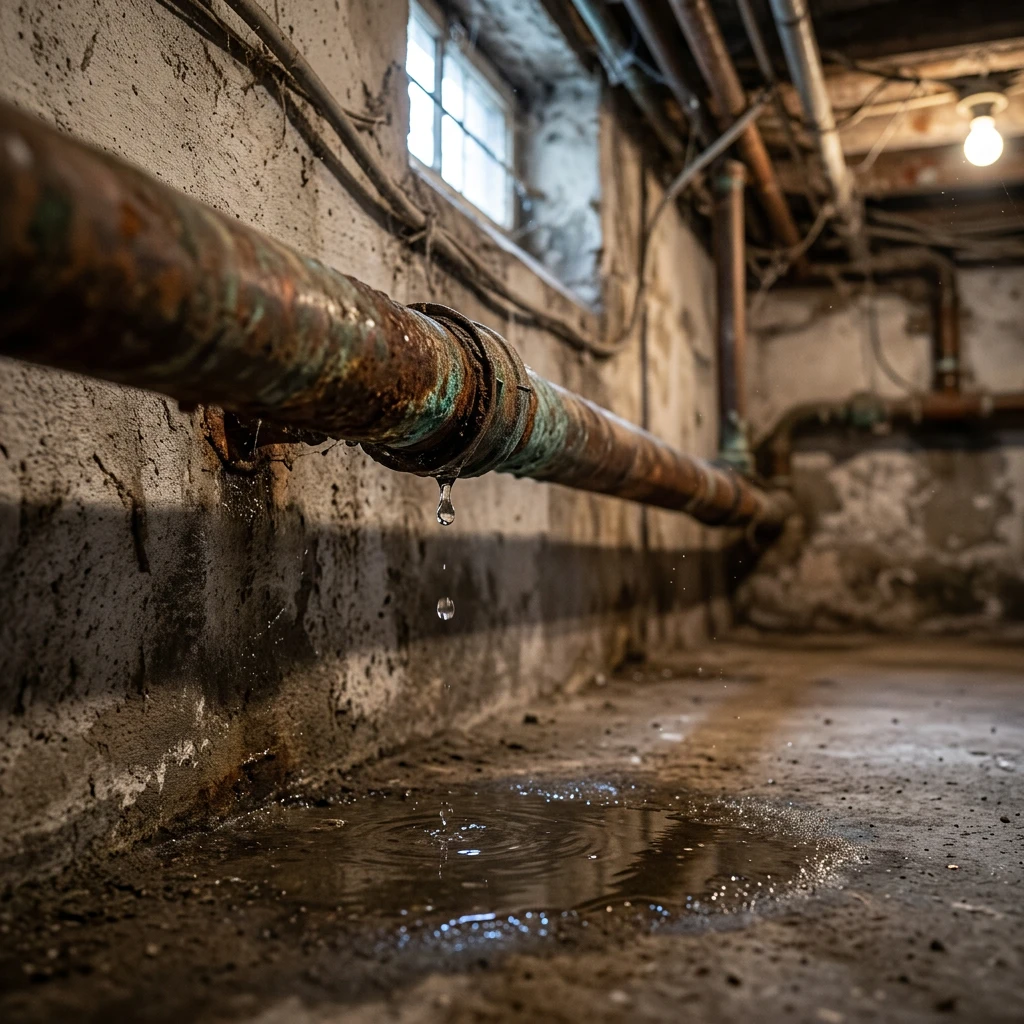
- The tenant reports damage. Burst pipe in the basement: take a photo, describe it briefly, send it.
- Property manager and owner are informed right away. The report goes straight to both.
- The property manager approves the report. The property manager checks the damage and releases it to suitable contractors. The tenant sees the status live.
- A quote comes in. A verified plumbing contractor sends their quote. Approval rests solely with the owner.
- The owner approves the quote. Property manager and tenant see right away that the contractor has been commissioned.
- The appointment is arranged. The tenant gets a request asking whether the contractor may enter the apartment at the proposed time.
Safe, traceable and free.
Verified contractors
Every contractor is verified against the official business register and with an identity check before they can submit quotes.
Clear quotes and invoices
You see what was quoted and what was billed, line by line.
Your data belongs to you
Our privacy notice explains which data we process, who we share it with and what rights you have.
You know who's coming
You see the contractor's name, appointment and verification in advance.
You decide
A contractor is only commissioned once you accept their quote.
Everything documented
Photos, quotes and invoices stay stored in the project and available years later.
Frequently asked questions.
Who is Baubiber for?
What makes Baubiber different from other contractor platforms?
What does Baubiber cost for tenants and owners?
Where is Baubiber available?
Do I need the app, or does it also work in the browser?
How are contractors verified on Baubiber?
Who is liable if something goes wrong?
Can I hire a contractor myself as a tenant?
How does a project work on Baubiber?
- Describe your project: Tell Bobo what's wrong: in a conversation, by voice message or in writing. Then add a few photos if you like.
- Find the right contractors: Baubiber analyzes your project and looks for suitable, verified contractors.
- Compare quotes: You receive comparable quotes at a glance.
- Decide: You choose the contractor that suits you.
- Follow live: You keep the site and the costs in view at all times.
Getting started only takes a few minutes.
Does someone have to visit before I get a quote?
Do all contractors see my project?
I have a property manager. Can they take part too?
Start your project.
Tell Bobo what needs doing and receive quotes from verified contractors.
Scan and download
Free for tenants and owners